Your data never leaves — a Docker-deployed IT ticket system
Stand it up on your own server with a single command. A passwordless public portal for requesters, a role-based panel for the IT team, SLA tracking and full bilingual support — with no data ever leaving your server.
v1.0.0 · MIT licensed · 261 tests · TR / EN · one Docker command
Ticket lifecycle
24
database tables
14
ready-made screens
TR + EN
full bilingual UI
1 command
Docker install
The right interface for everyone
One system, three distinct experiences — from requester to administrator.
Requester
public · no loginPasswordless public portal
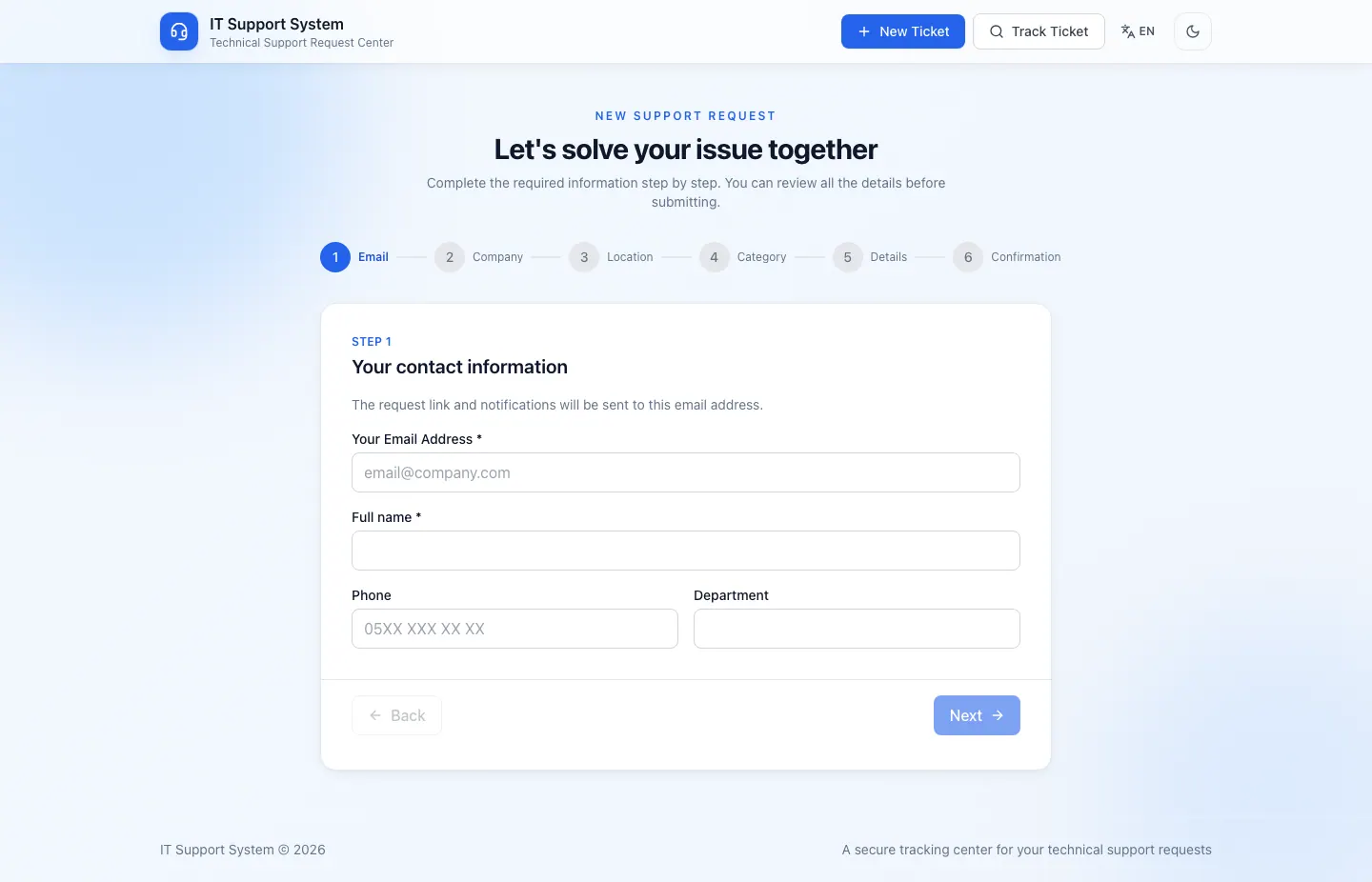
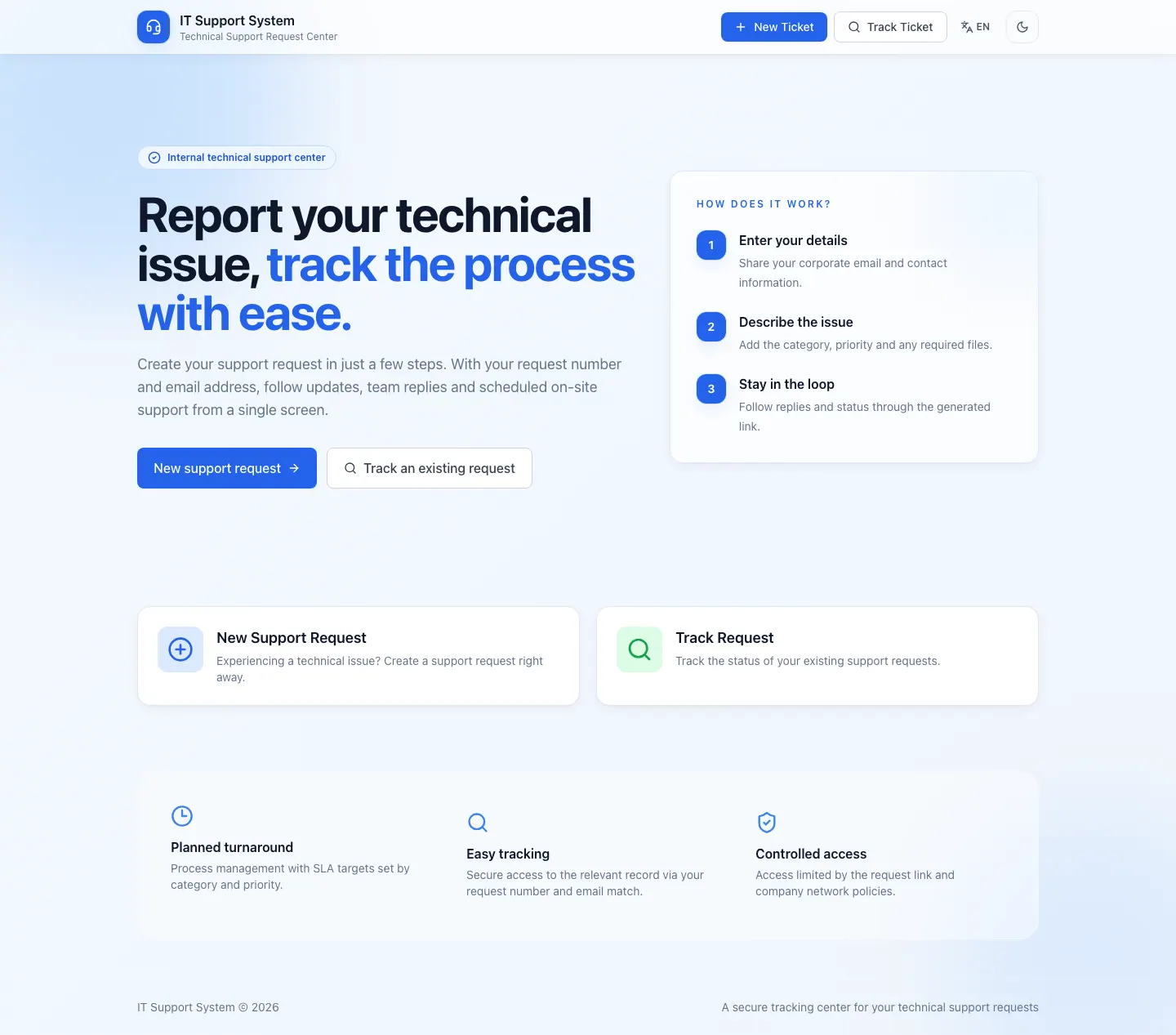
Opens a ticket by picking company, location and category; fills company-specific dynamic fields and attaches files.
Tracks status live via an access link, replies and sends attachments.
Looks up past requests with a ticket number + email.
IT team
admin panelRole-based workspace
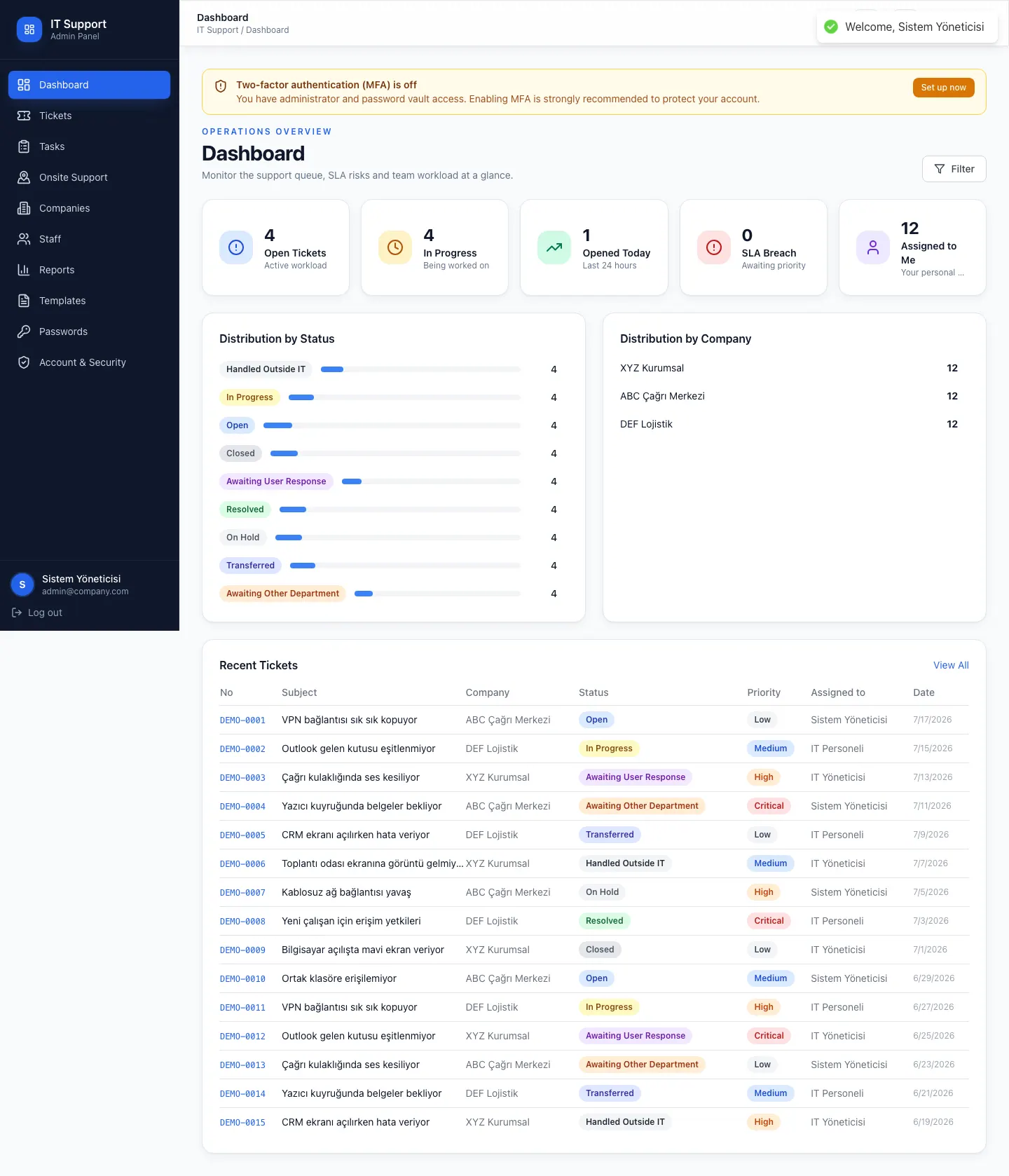
Dashboard: open/closed stats, SLA status, work assigned to you.
Ticket management: list, filter, search, internal note + public reply, bulk actions.
On-site support calendar, tasks and CSV reports.
Administrator
admin · it_managerControl and security
Manage companies, locations, categories, custom fields and per-company SMTP.
Email & SMS templates, canned responses.
Staff management and an AES-256-GCM encrypted password vault (every reveal is audited).
Everything out of the box
The workflows an IT support team needs, production-ready.
Password vault
Credential vault encrypted with AES-256-GCM; every reveal is audited.
Bilingual & realtime
TR/EN UI + live panel updates over SSE, per-company branding.
Public portal
Passwordless ticket wizard, live status tracking and file uploads.
Dashboard & SLA
Per-category response/resolution targets, SLA checks every 5 minutes.
Ticket management
List/filter/search, assignment, internal note & public reply, bulk actions.
On-site support
Appointment creation, duration selection and a shift calendar view.
Tasks
Work independent of tickets, with multiple assignees and comments.
Reports & CSV
Distribution, staff performance, category breakdown, SLA trend, export.
See it in action
Every screen captured in both Turkish and English — 14 screens in total.
Your data stays yours
With a SaaS ticket system your data lives in the provider's cloud. With IT Ticket System, nothing ever leaves your server — the database, files and credentials are entirely under your control.
| Aspect | SaaS ticket system | IT Ticket System |
|---|---|---|
| Data location | Provider's cloud | Your own server (on-prem / VPC) |
| Data sovereignty | Vendor-dependent; risk on wind-down/TOS change | Full — data always stays with you |
| Setup | Vendor account + onboarding | One Docker command |
| Monthly cost | Per-user / per-ticket fee | 0 (MIT license) |
| Firewall / auditing | Limited or none | Full — internal network / VPN / reverse proxy |
| Vendor lock-in | High | None — open source |
Data is never transmitted to a third party at any stage. A breach's risk therefore depends solely on your infrastructure's security — a SaaS provider's breach doesn't affect you.
Three deployment scenarios
You're not locked to the internal network — access can be closed off or safely opened up.
Fully internal
Access only from the corporate network. Data never crosses the network boundary.
Remote over VPN
Remote/branch teams connect through a VPN tunnel; traffic stays under your control.
Reverse proxy + auth
For scenarios like a call center, expose externally via an authenticating reverse proxy and IP allowlist.
Architecture built for the internal network
Behind a single reverse proxy; the backend, database and Redis are never exposed to the host — your data never crosses the server boundary.
Internet / VPN
Server boundary — data stays here
NPM
SSL + FQDNfrontend :1111
SPA/api
backend :4000/attachments
permission-checked/branding
public logosAttachments and logos are served through the backend, not from disk — token and company-scope checks live there.
The only outbound connection is the SMTP/SMS provider you configure; ticket and file data never leaves.
Application
Fastify 5
React 18
Prisma 6
Data
PostgreSQL 16
Redis 7
BullMQ
Infrastructure
Docker
SSE
Security by design, not bolted on
Assumes an internal network / VPN; the public portal deliberately relies on unguessable access tokens.
Fail-closed configuration
The backend won't start with missing secrets; company scope is always intersected.
Role + company scope (RBAC)
Staff only see data for companies they're assigned to; global records are admin-only.
AES-256-GCM password vault
Credentials/passwords are stored encrypted, every decryption is audited.
Hardened file uploads
MIME allowlist + magic-byte + nosniff + attachment; downloads are permission-checked.
Up and running in minutes
The only requirement is Docker + Docker Compose. Nothing else to install.
Clone and prepare .env
git clone https://github.com/mahmutyum/ticket-system.git
cd ticket-system
cp .env.example .envGenerate required secrets
openssl rand -base64 48   # JWT_SECRET
openssl rand -base64 48   # JWT_REFRESH_SECRET
openssl rand -hex 32 # CREDENTIALS_ENC_KEYStart (schema applied automatically)
docker compose -f docker-compose.yml -f docker-compose.dev.yml up --buildUI at http://localhost:1111 · API docs at http://localhost:4000/docs
Detailed installation guideDeploy in minutes — without your data ever leaving
Open source, MIT licensed. On your own server, with your own data — on-prem or in your own VPC.